১ ক্লিকে ড্রাইভিং লাইসেন্স ডাউনলোড করুন
সার্চবারে লিখুন Driving, কন্টেন্টি মনযোগ সহকারে পড়ুন। পরবর্তী ধাপ অনুসরন করুন।
Have you recently applied for a driving license in Bangladesh and are now wondering where your smart card is? You are not alone. Thousands of applicants across the country go through the same waiting game every day. The good news is that BRTA — the Bangladesh Road Transport Authority — now allows you to check your driving license smart card status and details completely online. No office visits, no long queues, no wasted time. In this article, we will show you exactly how to do a BRTA driving license smart card check online in Bangladesh, step by step, in plain and simple language.
BRTA Driving License Smart Card Check Online Bangladesh: A Complete Guide (2026)
If you have recently applied for a driving license in Bangladesh, you already know how eagerly you wait for that little smart card to arrive.
But the real question is — how do you actually know when it is ready? And how do you verify that all the information on it is correct?
The good news is that the Bangladesh Road Transport Authority (BRTA) now allows you to check your driving license smart card status and details entirely online — without setting foot into any government office.
In this guide, we will walk you through everything you need to know about the BRTA driving license smart card check online in Bangladesh.
We cover it all — from what the smart card is, to step-by-step verification methods, common issues people face, and important tips to keep in mind.
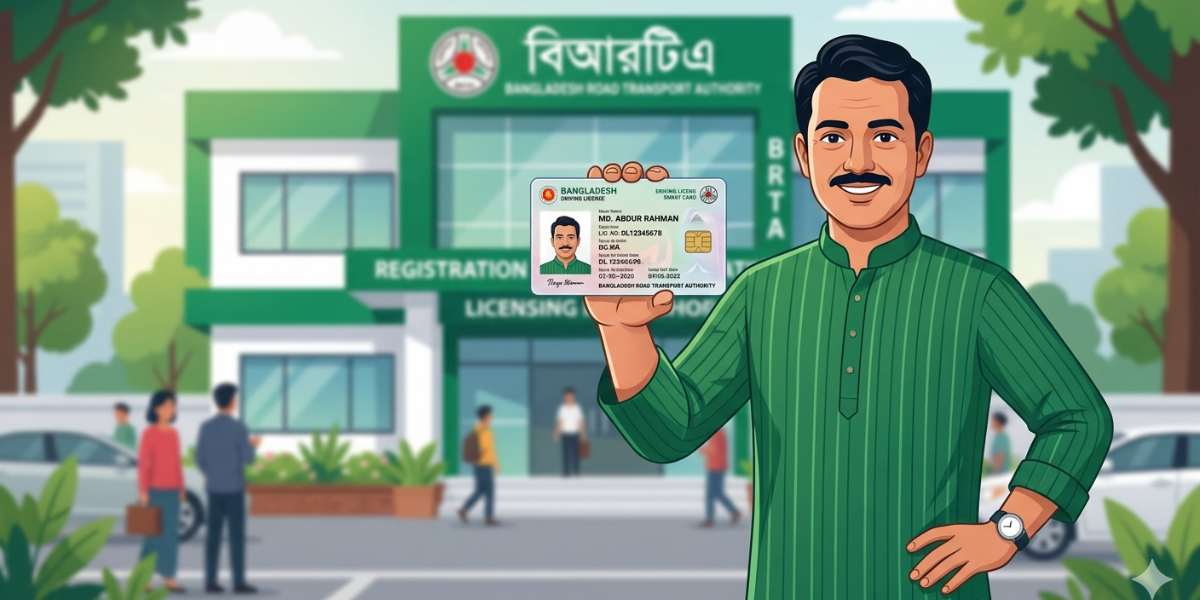
What Is the BRTA Driving License Smart Card?
The BRTA driving license smart card is the official, government-issued digital driving license in Bangladesh. It replaced the older laminated paper-based license and is now the standard format recognized by law enforcement, traffic authorities, and road transport officials across the country.
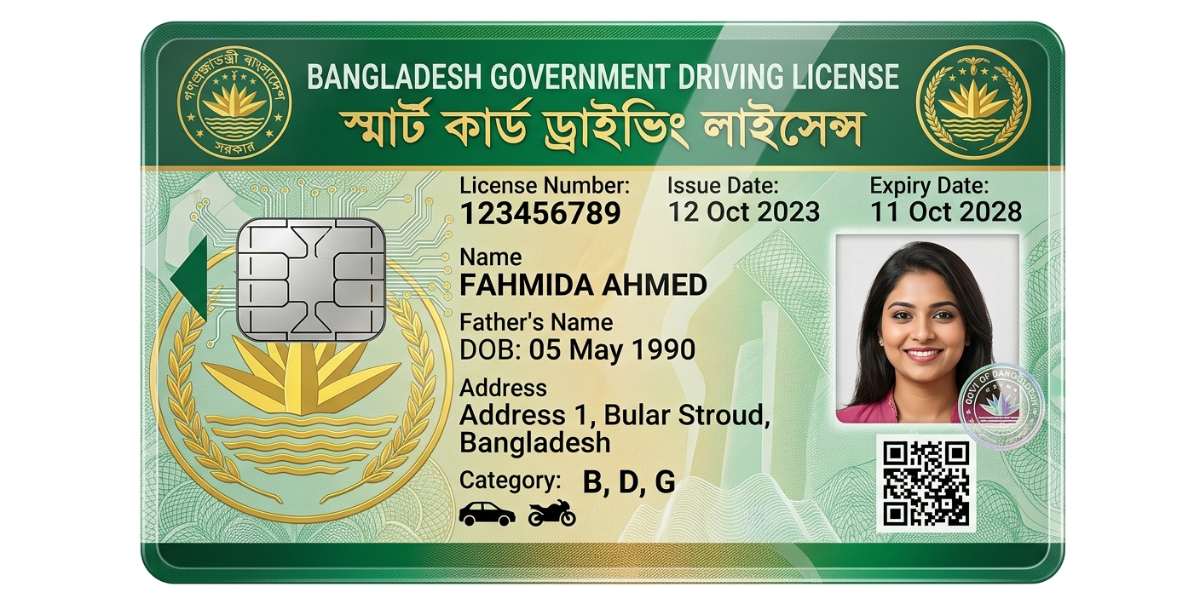
The smart card contains a microchip that stores your personal information digitally, making it tamper-proof and much harder to forge. It includes details such as:
- Your full name and photograph
- Date of birth and blood group
- National ID number
- License number and category (motorcycle, light vehicle, heavy vehicle, etc.)
- Issue date and expiry date
- Permanent address
This card is issued by BRTA after a candidate successfully passes the driving theory test, practical driving test, and completes all required formalities, including fee payment and biometric data submission.
Why Check Your BRTA Driving License Smart Card Online?
There are several practical reasons why checking your driving license smart card online is a good idea:
Verify your application status: After applying, it takes time for BRTA to process and print the smart card. Checking online helps you know whether your card has been printed and is ready for delivery or collection.
Confirm personal details are correct: Mistakes in name spelling, date of birth, or address can happen during data entry. Verifying your information online early means you can raise a correction request before the card is delivered.
Check license validity: Your driving license is not permanent — it has an expiry date. Checking online lets you know whether your license is still valid or needs renewal.
Avoid unnecessary visits to BRTA offices: Bangladesh’s BRTA offices can be crowded. Online checking saves you valuable time and transport costs.
Authentication before buying or renting a vehicle: When purchasing or renting a vehicle, parties sometimes need to verify the buyer or renter’s license. Online verification makes this process quick and credible.
Read This Article: New rules for getting a driving license in Bangladesh
How to Check BRTA Driving License Smart Card Online in Bangladesh
BRTA has made the verification process relatively straightforward through its official web portal. Follow the steps below carefully.
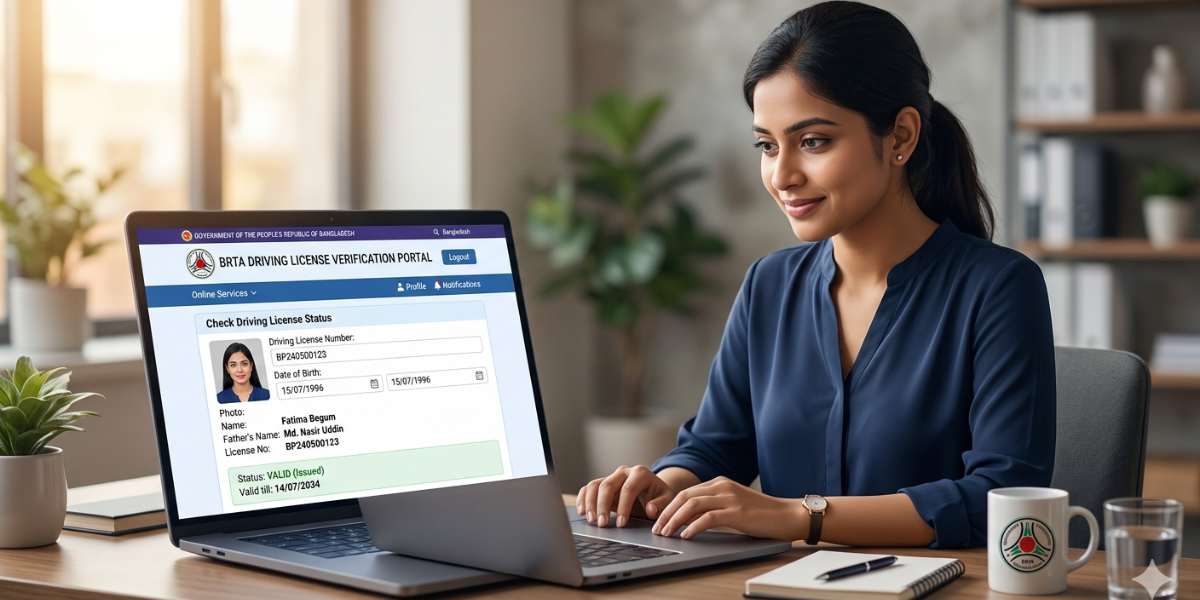
Method 1: Using the Official BRTA Website
Step 1: Open any internet browser on your smartphone or computer and go to the official BRTA website.
Step 2: On the homepage, look for the Driving License section or navigate to the online services portal.
Step 3: Click on “Driving License Verification” or the smart card status check option.
Step 4: You will be asked to enter your Driving License Number or your National ID Card Number (NID). Enter the correct information in the required field.
Step 5: Complete the CAPTCHA or verification code shown on the screen.
Step 6: Click Search or Submit to retrieve your information.
If your smart card has been processed and is in the system, your license details — including name, category, validity period, and status — will be displayed on the screen.
Method 2: Using the BRTA DL Verification Portal (e-Service)
BRTA also operates a dedicated e-service portal for various transport-related verifications. Here is how to use it:
Step 1: Visit — this is the BRTA Smart Portal.
Step 2: Select Driving License from the list of available services.
Step 3: Input your license number or NID number and press submit.
Step 4: Your license information will appear on the next screen if it has been registered in the system.
Method 3: SMS-Based Verification
For those without reliable internet access, BRTA also provides an SMS-based checking option through certain authorized services. While full details should be confirmed through BRTA’s official helpline, the general format often used is:
- Type your license number in an SMS and send it to the designated BRTA service number.
- You will receive an automated reply with basic license validity information.
Always confirm the current SMS number from BRTA’s official website or helpline, as service numbers can change.
Method 4: Contacting the BRTA Helpline
If online methods are not working or your information does not appear in the system, you can call the BRTA helpline directly:
📞 BRTA Helpline: 16567
The helpline is available during government working hours. You may be asked to provide your NID number, license application number, or other personal details to trace your file.
Understanding Your Smart Card Status
When you check online, you may see different status messages. Here is what they typically mean:
| Status | Meaning |
|---|---|
| Pending | Your application is still being processed by BRTA |
| Approved / Printed | The smart card has been printed and is ready |
| Dispatched | The card has been sent to your designated delivery point or post address |
| Delivered | The card has been successfully delivered |
| Rejected | There was an issue with your application; contact BRTA for correction |
| Suspended | Your license has been suspended by the authorities |
| Expired | Your driving license has passed its validity date |
If you see “Pending” for an unusually long time (more than 60–90 days after all tests and fee payments), it is advisable to visit your nearest BRTA regional office with your application receipt for follow-up.
Common Issues While Checking BRTA Driving License Online
Even with a streamlined system, users sometimes face problems. Here are the most common issues and their solutions:
1. Name or NID number not found in the system. This usually means your application data has not yet been fully uploaded to the online database. Wait a few more days and try again, or call the BRTA helpline for assistance.
2. Information mismatch. If the details shown online do not match your documents (e.g., wrong date of birth), you need to file a correction application at your nearest BRTA office along with supporting original documents.
3. Website not loading or showing errors. BRTA’s web portal may experience downtime due to maintenance or high traffic. Try again during off-peak hours (early morning or late evening) or use a different browser.
4. Smart card not delivered even though the status shows Dispatched. Contact the local post office or delivery point associated with your address. If still unresolved, visit BRTA with your tracking details.
How Long Does It Take to Get the BRTA Smart Card?
On average, after passing your driving tests and completing all formalities, the smart card can take anywhere from 30 to 90 days to be issued and delivered. The timeline depends on:
- The volume of applications being processed at your regional BRTA office
- Whether your biometric data and photographs were successfully captured
- Any administrative delays or public holidays
- Postal delivery time to your area
Applicants in Dhaka may experience longer wait times due to the higher volume of applications compared to other divisions.
How to Renew an Expired BRTA Driving License Smart Card
If your online check reveals that your license has expired, you need to renew it as soon as possible to remain legally eligible to drive. Driving with an expired license in Bangladesh can result in fines or legal action.
Here are the general steps to renew your BRTA driving license:
- Visit the official BRTA portal at and navigate to the renewal section.
- Fill in your existing license number, NID number, and other required details.
- Upload the required documents (recent photograph, NID copy, existing license copy, and medical certificate if required).
- Pay the renewal fee through the available digital payment options (mobile banking, bank transfer, or debit/credit card).
- Book an appointment if required and visit the BRTA office for verification.
- Your renewed smart card will be processed and delivered to your registered address.
Tips for a Smooth BRTA Driving License Smart Card Verification Experience
To make your online verification as smooth as possible, keep these tips in mind:
- Always use the official BRTA website (brta.gov.bd or bsp.brta.gov.bd). Avoid third-party websites claiming to offer BRTA services, as they may be fraudulent.
- Keep your application receipt safe until you receive the physical smart card. The receipt contains your application reference number, which is very useful for any follow-up.
- Ensure your NID number is registered correctly in your BRTA application. Any mismatch between your NID and driving license details can cause problems during verification.
- Check your license status regularly if you are waiting — once or twice per week is sufficient.
- Renew before expiry — do not wait until your license has already expired to start the renewal process. Starting at least 30 days before the expiry date is recommended.
Is It Safe to Check BRTA Driving License Online?
Yes, checking your driving license through BRTA’s official portal is completely safe and secure. The government website uses standard encryption protocols to protect your personal information. However, always ensure you are on the authentic BRTA government website (look for the .gov.bd domain extension) to avoid phishing sites.
Do not share your NID number or driving license number on unofficial platforms, social media groups, or unknown third-party apps.
Final Thoughts
The ability to check your BRTA driving license smart card status online in Bangladesh is a genuinely useful development that saves time, reduces uncertainty, and encourages digital transparency in government services. Whether you are waiting for a new card, verifying details before a road trip, or checking renewal deadlines, the process is now just a few clicks away.
As Bangladesh continues to expand its digital infrastructure, BRTA’s online services are expected to become even more efficient and user-friendly. For now, the official BRTA portal remains your most reliable tool for all driving license-related verifications.
If you found this guide helpful, share it with friends or family members who are going through the BRTA license process — because navigating government services is always easier when you know exactly what to do.
For the most up-to-date information, always visit the official BRTA website at or call the BRTA helpline at 16567.
